Windows
- System
- Windows 10 version 1903 or later, and Windows 11
- Git
- Git for Windows 2.43.1 or later. Without it, Repos shows a setup page with a link to the download.


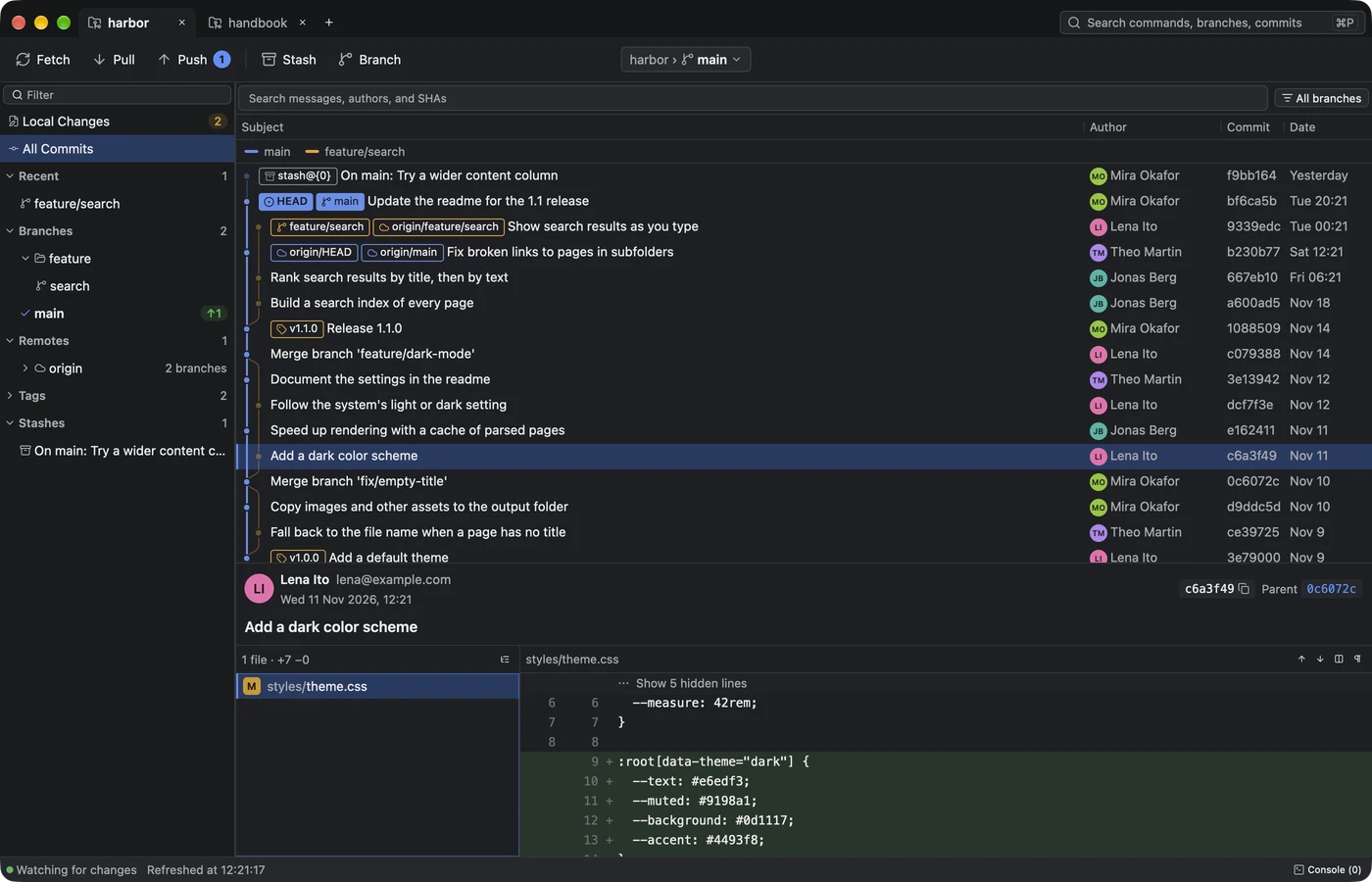
A fast Git client, with one clear graph of your history.
Repos is built for speed in very large repositories and very large diffs, on macOS and Windows. It runs the git on your computer, and it collects no data.
Mac coming soon
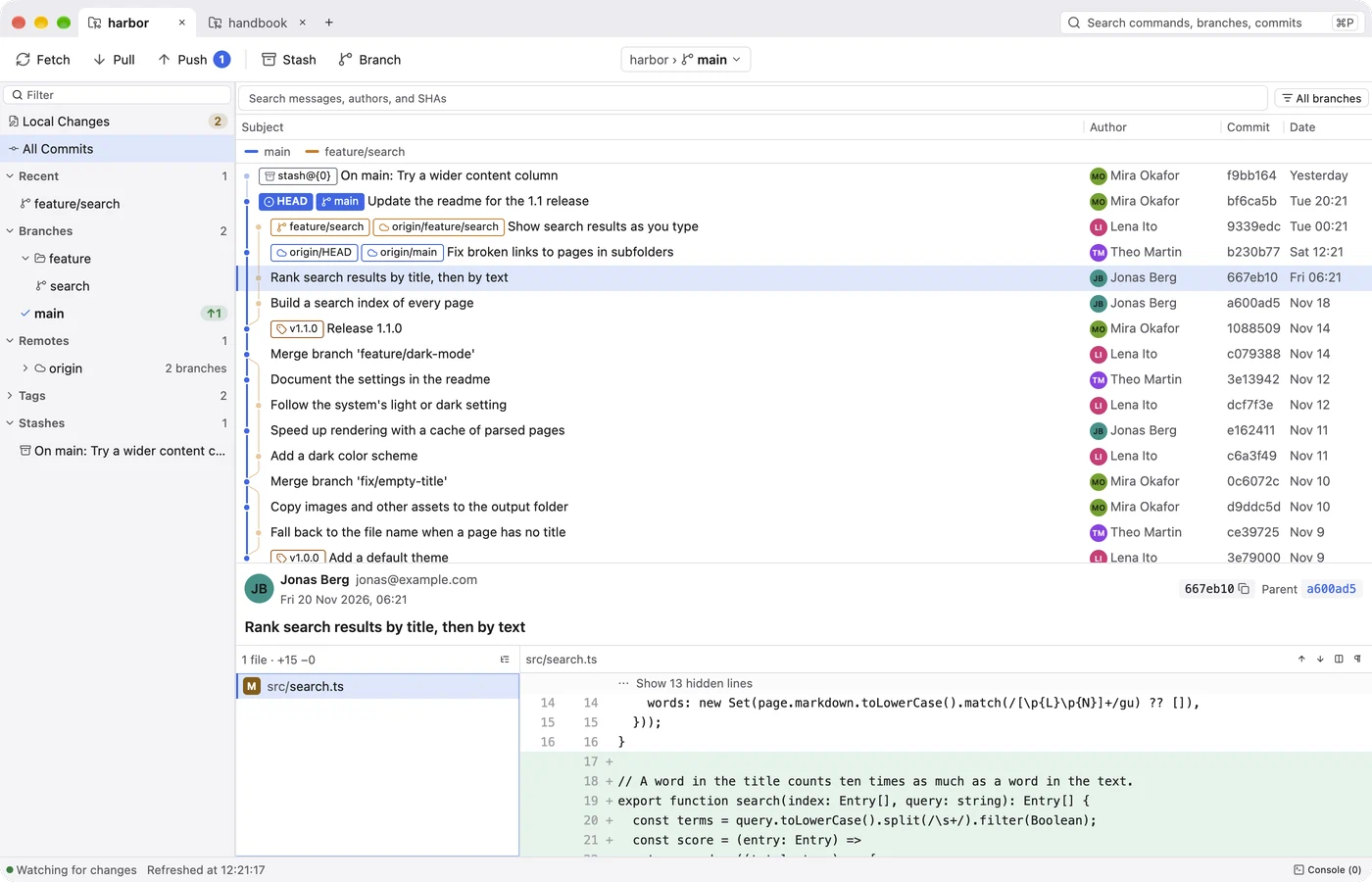
Local changes
Stage or discard whole files, or only the lines that you select. Commit, amend, or commit and push in one step, and undo the last local write.
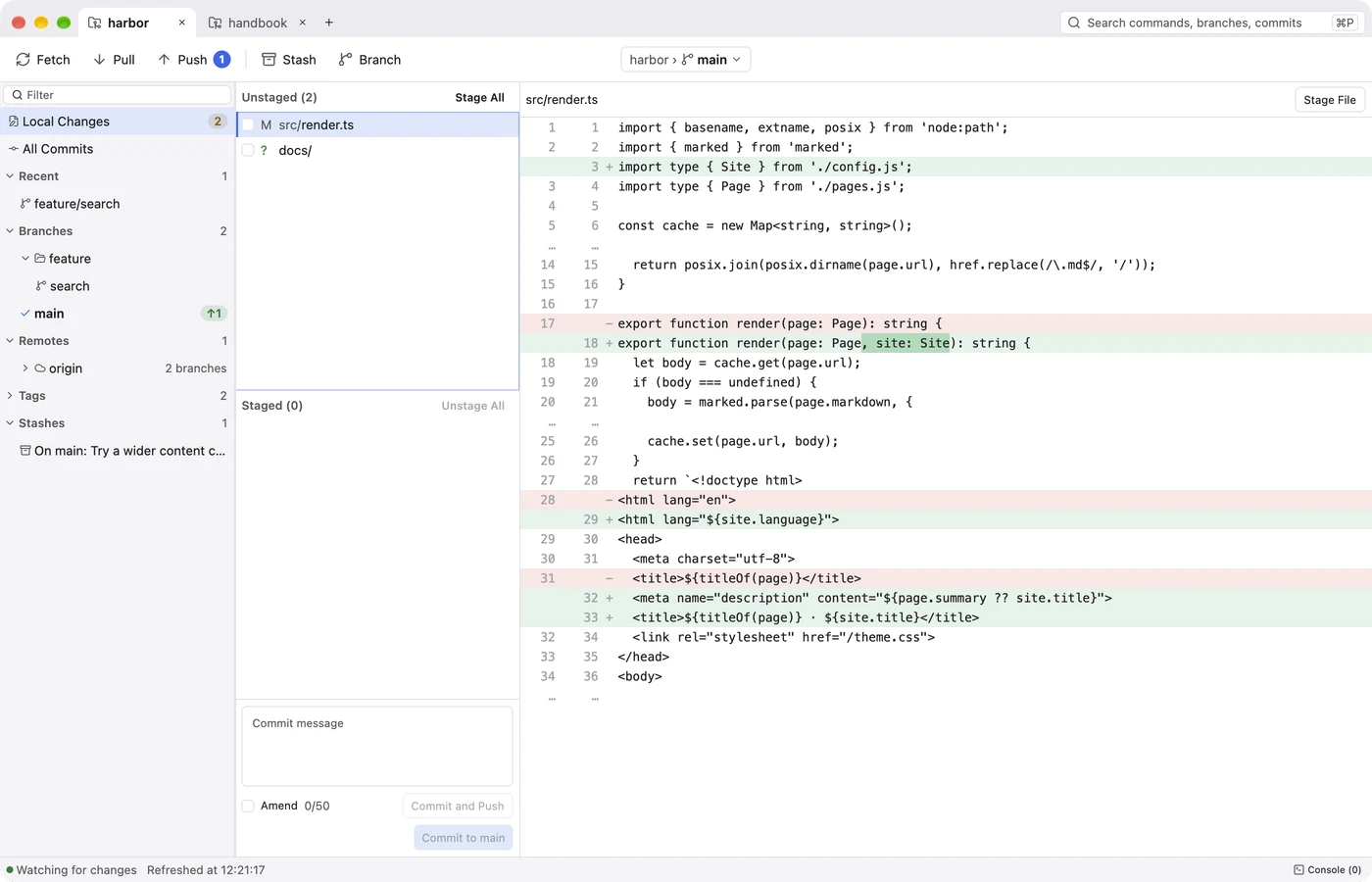
Search
Search marks the commits that match, and steps from one match to the next. Blame, file history, folder history, and the reflog are there too.
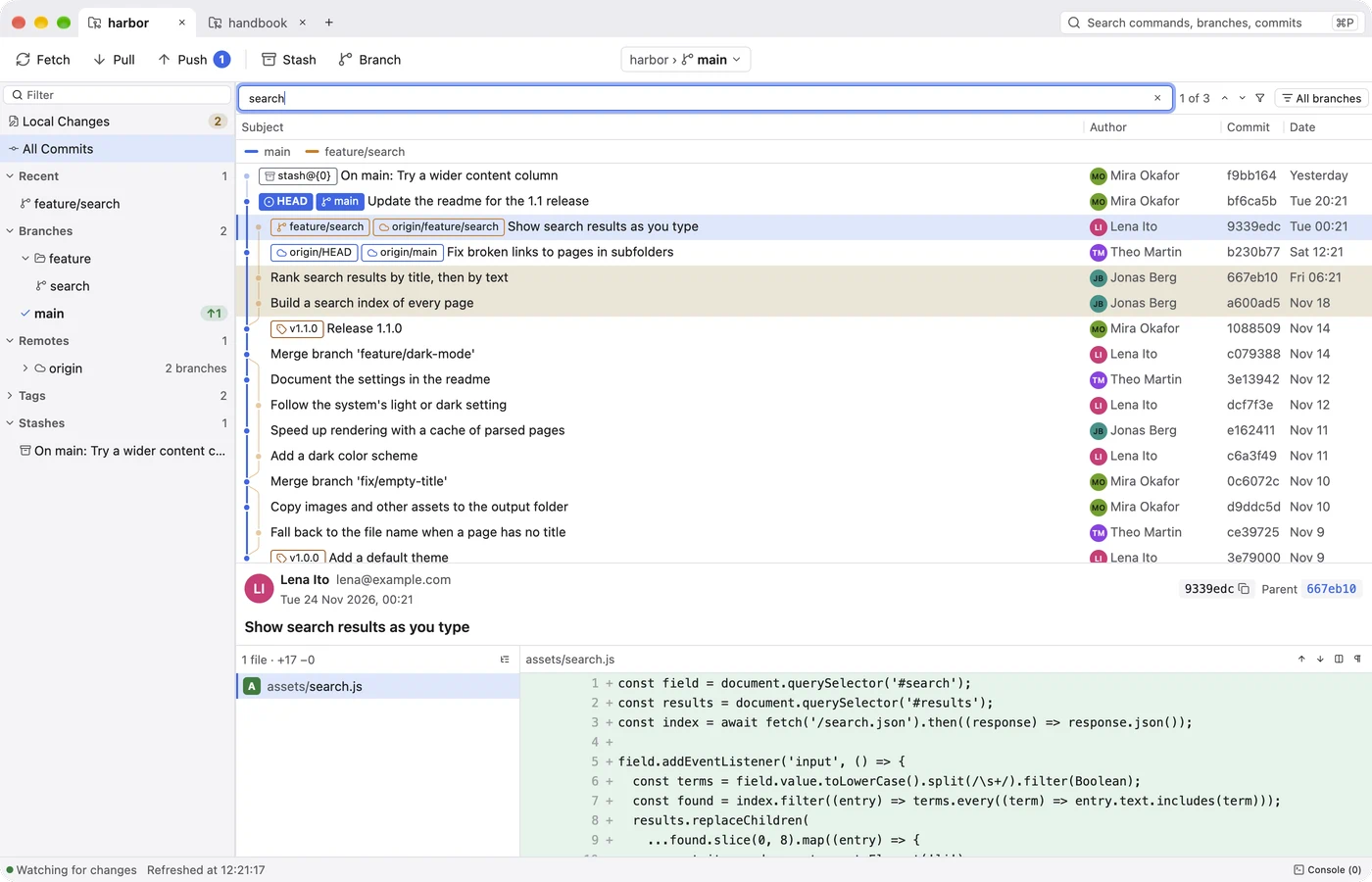
Keyboard
The command palette reaches every command, branch, and commit. Press ⌘P on a Mac or Ctrl+P on Windows.
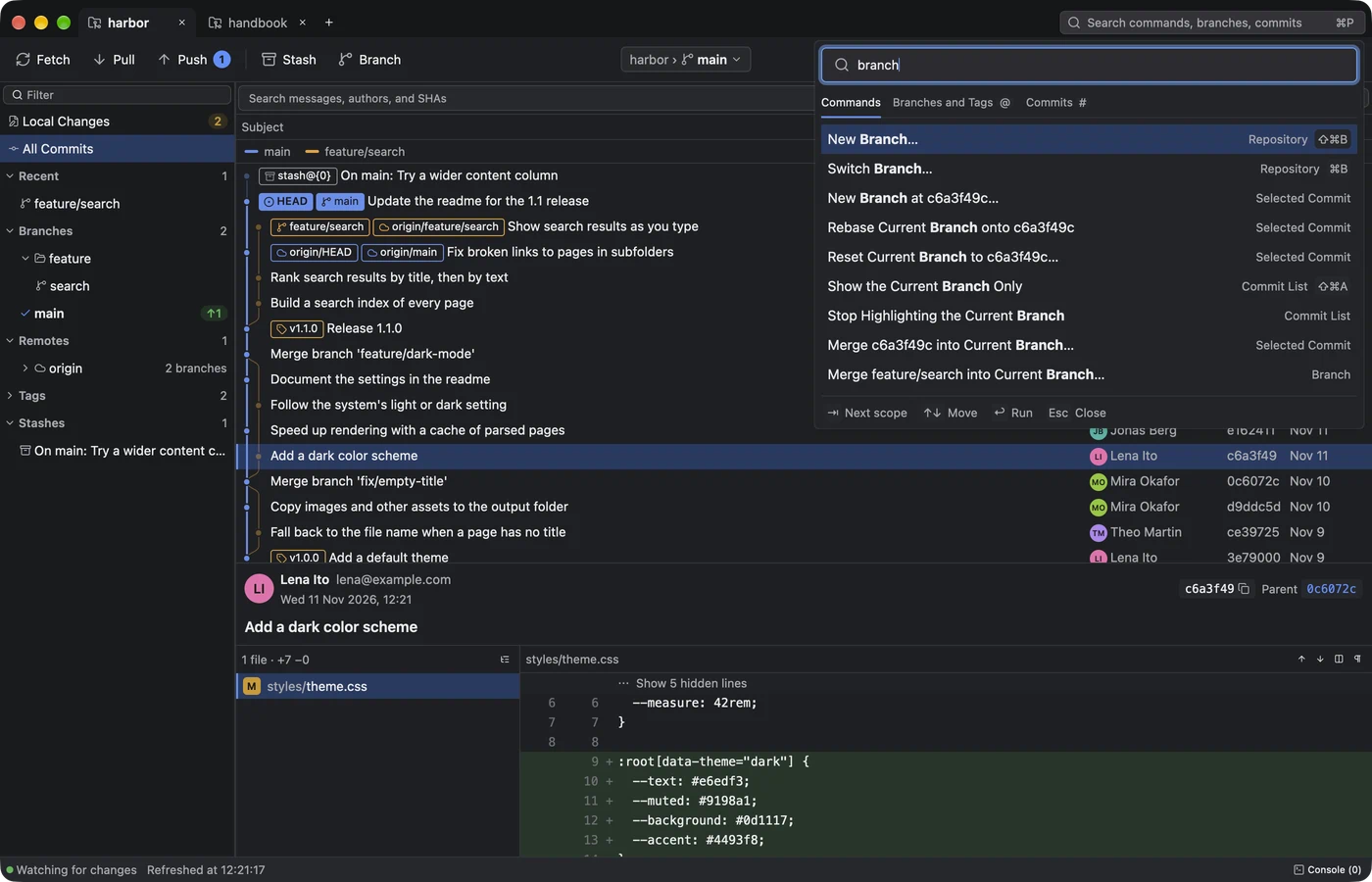
Themes
From Light and Dark to two high-contrast themes. Repos follows the light or dark setting of your system, or keeps the one that you choose.
Repos connects only to the git servers that your repositories name. Read the privacy policy
Merge, rebase, interactive rebase, cherry-pick, revert, and reset. A conflict resolver shows Ours, Result, and Theirs side by side. Fetch, pull, and push with progress that you can cancel.
Repos runs the git on your computer, so your settings, credential helpers, SSH keys, and hooks work as they do in a terminal. It warns you when your git lacks a security fix, and asks in a dialog when git needs a password.
Free, for macOS and Windows.
Open an issue on GitHub to report a problem or to suggest a feature. You need a GitHub account. In your report, paste the text of Copy Info, from About Repos. Issues are public, so leave out private data.